
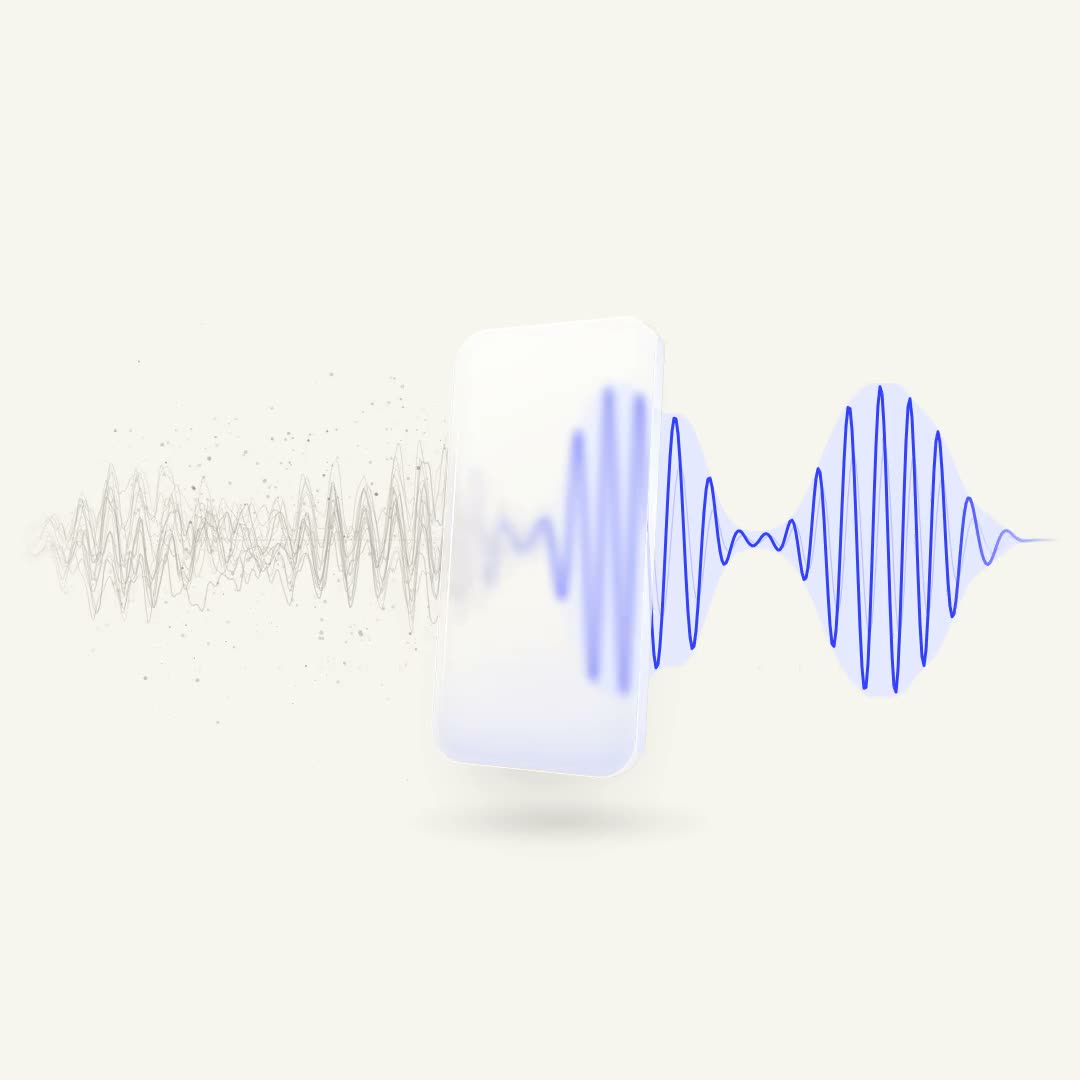
Simple Denoiser: noise in, only your voice out.
Simple Denoiser lets only your voice through — in any app, right on your Mac.
One switch, and the noise is gone.
Press play, then turn on Noise Reduction — just like in the menu bar. Both versions play in sync, so you hear the very same moment with and without the noise.
Couldn’t load the audio. Please reload the page.
Three steps. Then forget it’s there.
-
1
Buy and download
Pay once. Your license key and a download link land in your inbox.
-
2
Enter the key
Install the app — the key window opens by itself. Paste the key. You do this once.
-
3
Pick the “Simple Denoiser” mic
In Zoom, Meet, Telegram — wherever you talk — choose Simple Denoiser as the microphone. That’s it.
Simple, honest, yours.
Local and private
The neural network runs right on your Mac. No cloud, no internet needed — your voice never leaves the computer.
Yours forever
One payment, no subscription. Updates are free and install themselves.
One Mac, and you can move
A license works on one Mac at a time. New Mac? Activate the key there — the old one lets the license go.
Once. Forever.
Every update included. No subscription, no account, nothing to renew.
Buy Simple DenoisermacOS 14 or later · Apple Silicon (M1 and newer)
Short answers.
Which apps does it work with?
Any app that lets you choose a microphone: Zoom, Google Meet, Telegram, Discord, OBS, FaceTime, Slack, your browser. Simple Denoiser shows up as a regular microphone called “Simple Denoiser”.
Is my voice sent anywhere?
No. All processing happens on your Mac. The app goes online only to activate your key, to check about once a week that the key is still on this Mac, and to check for updates.
Which Macs are supported?
Macs with Apple Silicon (M1 and newer) running macOS 14 Sonoma or later. Intel Macs are not supported.
I’m getting a new Mac. Do I pay again?
No. Install the app on the new Mac and enter the same key. The license moves over, and the old Mac stops using it.
I lost my key.
Open Download again, confirm your email, and you’ll see your key and a fresh download link.
Can I get a refund?
No — all sales are final. That’s why the demo above is a real recording: listen to it first and check the requirements (macOS 14+, Apple Silicon). Questions before buying? Write to lyangasovid@gmail.com.